01
iPhone
Fast capture for the moments when the day is moving quickly.
Made for quick entry, receipt capture, and short checks between everything else.
- Quick entry
- Receipt scan
- Immediate totals
Platforms
Each device plays a different role. Centsai keeps the same private workspace in sync while adapting to the pace of the screen in front of you.
Device roles
The app is shaped for quick capture on the move, broader review on larger screens, and glanceable state where you only have a second.
Fast capture for the moments when the day is moving quickly.
Made for quick entry, receipt capture, and short checks between everything else.
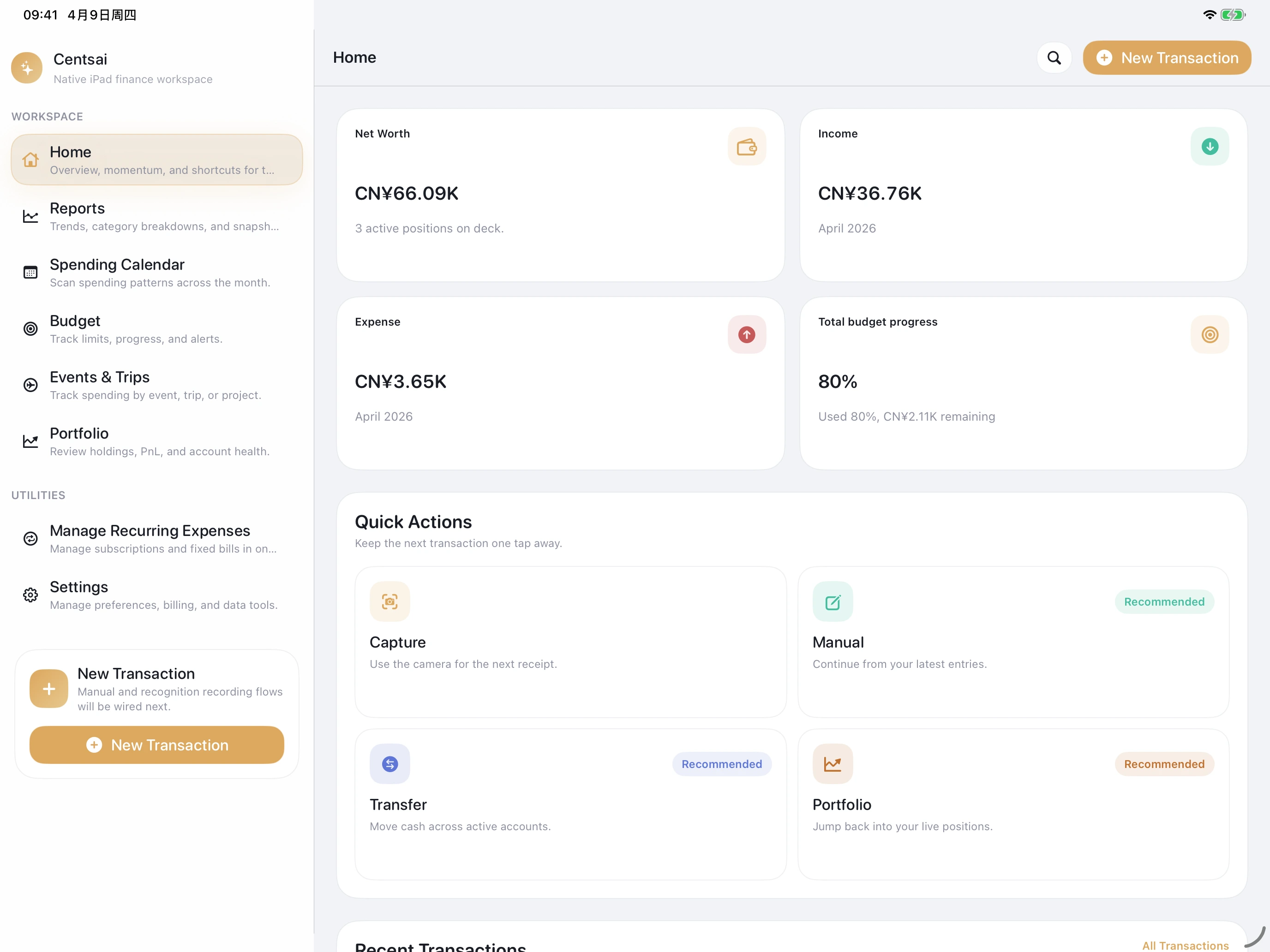
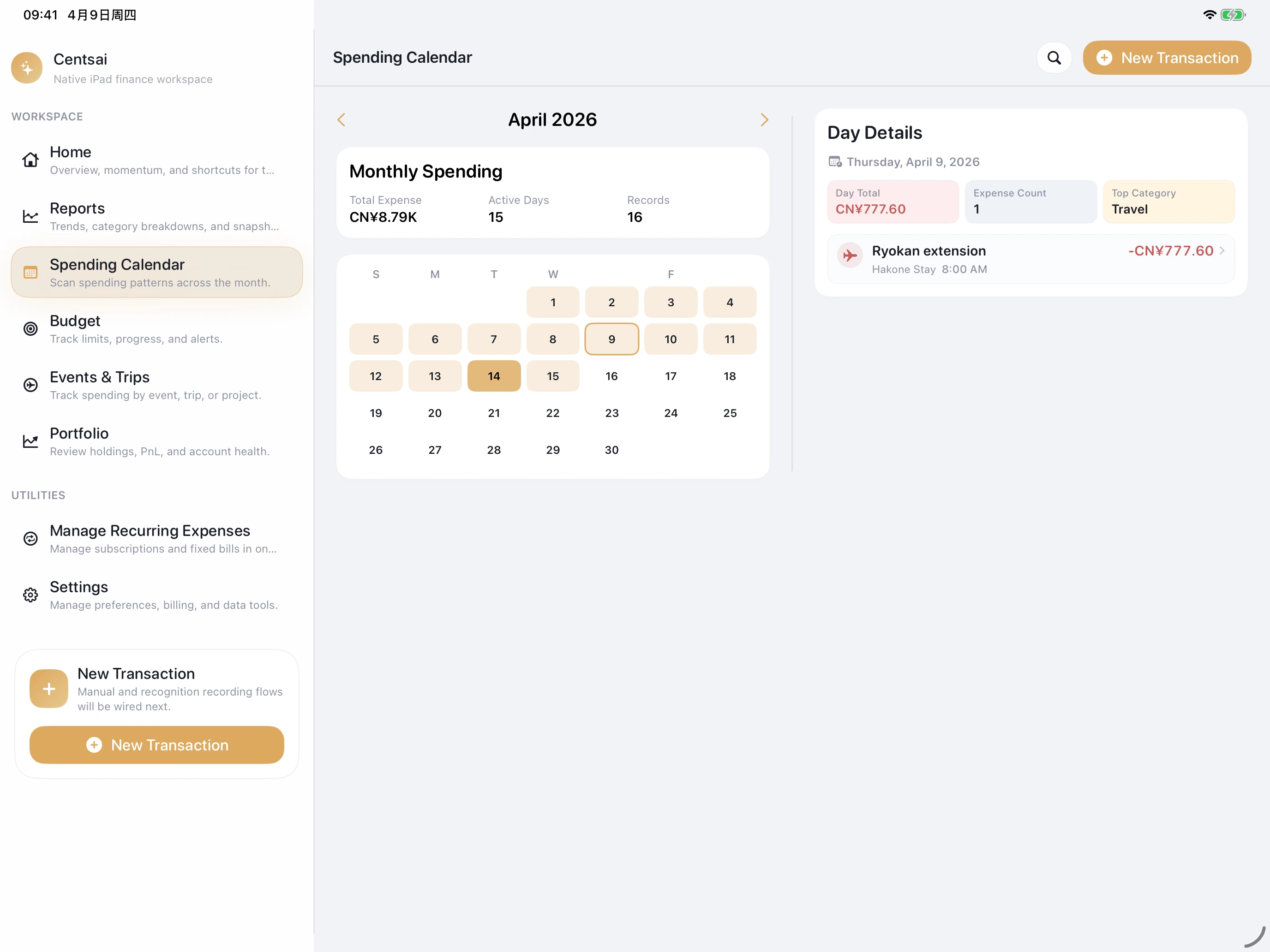
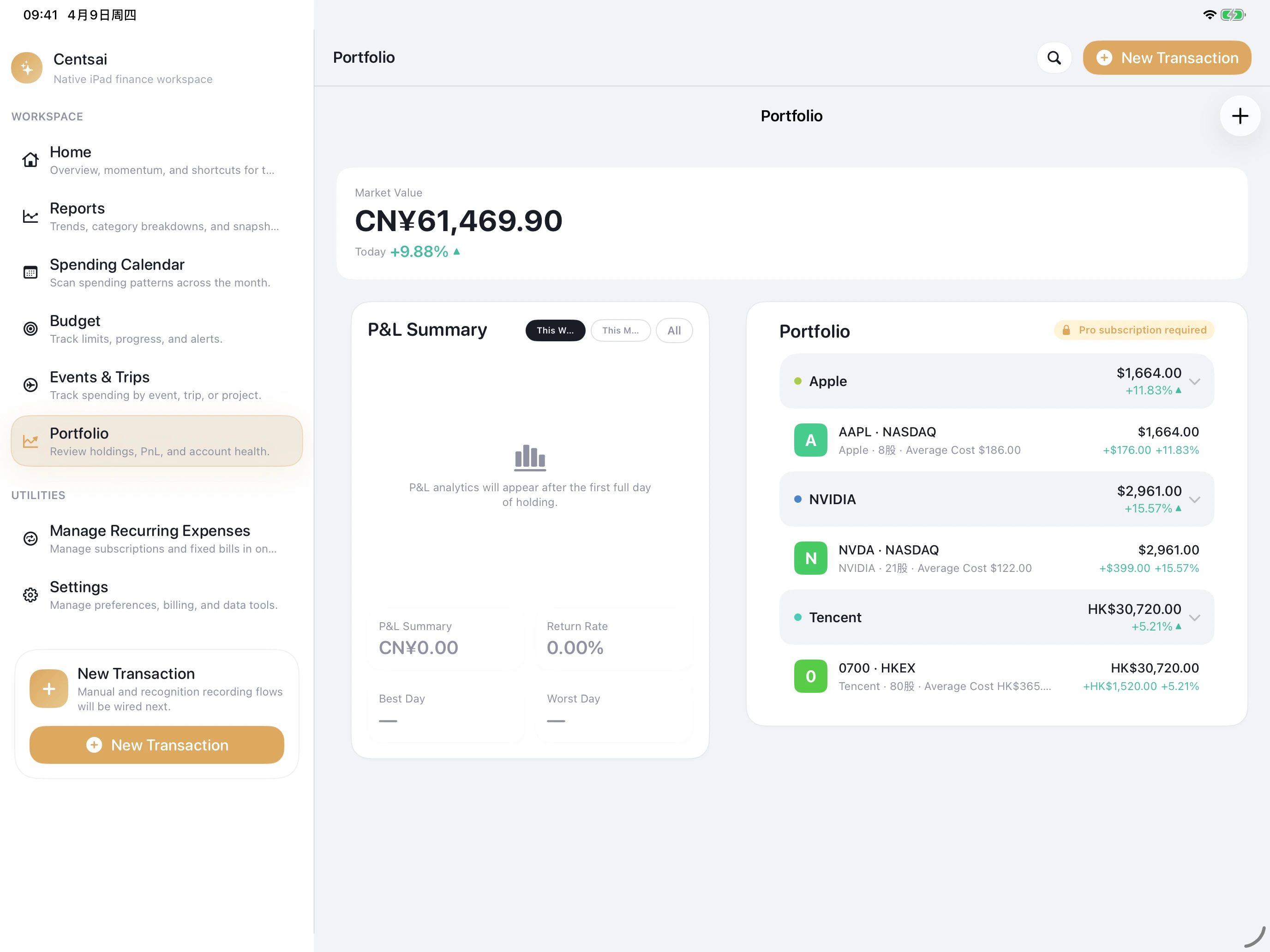
A spacious workspace for side-by-side planning and review.
The larger canvas makes it easier to compare categories, budgets, and monthly context at once.
Desktop clarity for monthly check-ins, exports, and deeper decisions.
The keyboard-first flow keeps longer review sessions comfortable and precise.
A tiny surface for the tiny moments when you only need a second.
Built for the fast log you make while you are already moving on.
See balances and recent motion without opening the app.
Useful on the home screen or lock screen when you just want a calm status check.
Private continuity that keeps the ledger close to your Apple account.
Sync carries the data between devices without turning it into a public service or separate warehouse.